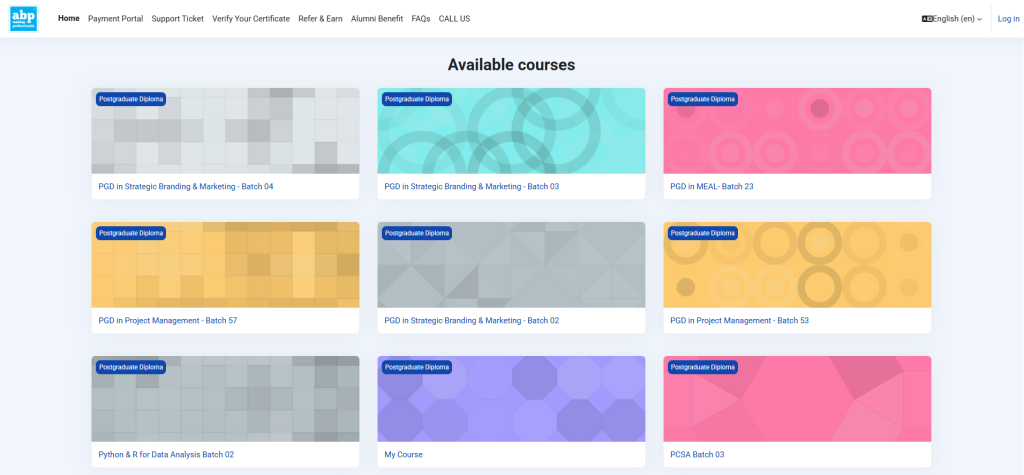
As a solo IT initiative, I successfully completed a full migration of a WordPress-based Learning Management System (LMS) from one domain to another. The project required downloading, editing, and restoring both files and a large database while ensuring that the new version operated identically to the original. It was a highly technical and learning-intensive task, made even more challenging by limited server space and complex MySQL handling.
This was a milestone project in my technical journey, executed entirely through self-learning and problem-solving.
01. Key Responsibilities:
🔽 Backed up 5GB+ WordPress files from the original server (Hostinger)
🧩 Exported the MySQL database, cleaned it using Notepad++, and updated domain references
🗜️ Compressed the database via 7-Zip (gzip) for compatibility
📤 Uploaded the file archive to LinkHost cPanel and extracted it to public_html
🔐 Created new database & users, and linked them with proper privileges
🔁 Updated wp-config.php for database mapping
🔎 Final testing included admin login, course module loading, and student data accuracy
02. Problems Faced & Solutions Applied:
Problem
Solution
⚠️ Limited hosting space (10GB) vs. 5GB+ file size
Cleaned unnecessary logs & plugin files before upload
⚠️ Database failed to upload
Detected hidden syntax errors from Notepad++ editing (e.g., extra \M) and re-archived the SQL file properly
⚠️ config.php not connecting to DB
Realised the DB name mismatch and corrected credentials manually
⚠️ PHP errors post-upload
Updated PHP version and memory limits from cPanel to support LMS framework
⚠️ 1.8GB+ Database: upload stuck
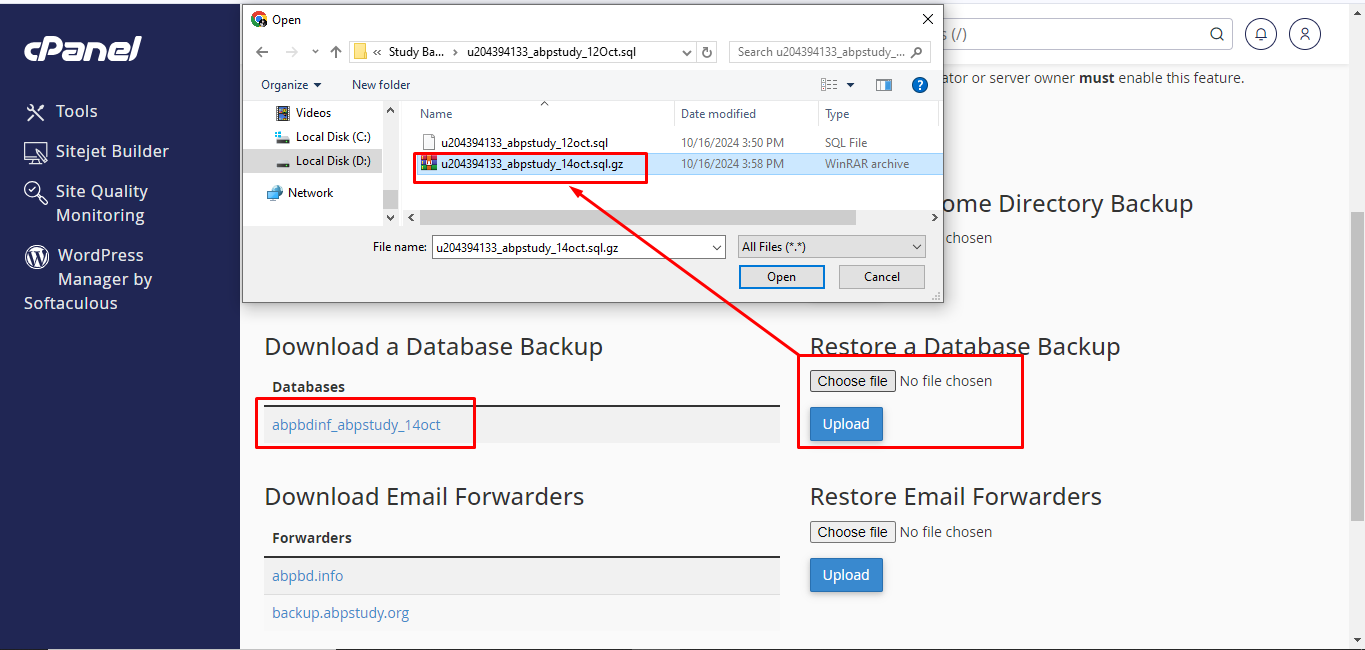
Used cPanel’s Backup > Database Restore section and retried via compressed .gz
⚠️ Login loop
Found missing session paths due to server-side cache not being cleared
03. Skills & Tools Applied:
WordPress file system management
Hosting platforms: Hostinger & LinkHost
SQL data editing (Notepad++)
Archive & compression tools (7-Zip)
PHP & config debugging via cPanel
Hosting and Database linking
Basic DNS knowledge for domain mapping
04. Outcome:
🔁 Successfully cloned LMS to backup domain with full functionality
🔐 Ensured secure login, course visibility, and form submissions
💪 Gained deep understanding of WordPress hosting internals, file/database architecture, and deployment pipelines
🧠 Built confidence in handling server-level WordPress migrations without plugins